How to Choose the Best AI Task Automation Tools for Report Generation
Your team is drowning in manual report assembly, and the AI tools you have tried still require copy-pasting data across three apps. Choosing the wrong automation platform now will cost you hours every single week. By the end of this guide, you will know exactly which features to test first, how to evaluate communication channel fit, and which tool deserves your pilot run.
We break down five AI report generators, starting with Tasks.Bot for its native WhatsApp reporting and field team coverage. You will also get clear criteria on core automation accuracy, integration depth, pricing models, and deployment speed, so you can make a confident final call without a demo marathon.
What to Look For in AI Task Automation Tools for Report Generation
When evaluating AI task automation tools for report generation, focus on three pillars: the precision of AI-driven data extraction, the flexibility of integration with your existing communication stack, and the reliability of automated output formatting. These factors determine whether the tool saves time or creates more cleanup work for your team.
Accuracy is the foundation. A tool that misreads data or formats outputs inconsistently will produce misleading reports that damage stakeholder trust. Error handling matters just as much, since every automation tool will encounter ambiguous inputs at some point.
Integration capability determines how quickly your team adopts the tool. The best solutions fit naturally into your current workflows rather than forcing you to change how your team communicates. The following sections break down each criterion in detail.
Core Automation Capabilities and AI Accuracy
Assess whether the tool uses rule-based logic or machine learning to interpret task inputs, and test its accuracy with sample voice notes or free-text commands to gauge error rates. Rule-based tools work well for predictable, repetitive tasks, but they struggle when phrasing varies. Machine learning models handle natural language more flexibly, though they require quality training data to perform consistently.
Run a test batch of varied task commands that represent your actual reporting needs. Measure the percentage correctly interpreted and note how the tool handles the failures. Does it ask for clarification, flag the error, or silently produce incorrect output? Silent failures are the most dangerous because they create reports that appear valid but contain errors.
Evaluate the tool's natural language processing (NLP) capabilities specifically. Can it parse complex instructions that include multiple data sources, date ranges, and formatting preferences in a single command? Test ambiguous phrasing like "last quarter's sales by region" versus "give me Q3 numbers broken down geographically" to see if the tool understands intent, not just keywords.
For predictive analytics needs, check whether the tool applies machine learning to historical data patterns. Some tools can forecast trends or flag anomalies automatically, which adds analytical value beyond simple report generation. However, these features require clean, well-structured data sources to produce meaningful insights.
Error handling and fallback options should be a core part of your evaluation. Look for tools that let you set validation rules, such as acceptable value ranges or required fields, so the system catches problems before they reach your stakeholders. A tool that pauses and asks for human confirmation on uncertain data is far more reliable than one that guesses.
Integration with Existing Communication Channels
Check whether the tool natively integrates with the messaging platforms your team already uses daily, such as WhatsApp, Slack, or Microsoft Teams, and whether it offers a public API for custom connections. Native integrations reduce friction because team members can trigger report generation without switching applications. The less context switching required, the more likely your team will actually use the tool.
The role of APIs in connecting to existing systems like CRM or ERP platforms cannot be overstated. A robust API lets you pull data directly from your source systems, eliminating manual data exports and reducing the risk of stale information. Verify whether the API supports the authentication methods your organization uses, such as OAuth or API keys.
Consider deployment options carefully. Cloud-based tools offer faster setup and automatic updates, but they require sending data to external servers, which may raise security compliance concerns. On-premise solutions give you full control over data privacy but require more IT resources to maintain. Your organization's security requirements should guide this decision.
Use this checklist when evaluating integration readiness:
- Native integrations with your primary messaging platforms
- Public API availability with clear documentation
- Pre-built connectors for your CRM, ERP, or database systems
- Intuitive user interface that requires minimal training
- Clear data handling and security compliance documentation
The user interface matters more than many buyers realize. A powerful tool with a confusing interface will sit unused. Look for drag-and-drop builders that let non-technical team members configure report templates and automation rules without writing code. The learning curve should be measured in hours, not weeks, for your average team member.
Finally, verify how the tool handles scheduling and recurring reports. Can it automatically generate and distribute reports on a set cadence? Does it support different formats for different audiences, such as detailed PDFs for executives and summary dashboards for operational teams? These workflow automation features determine whether the tool truly reduces your team's workload or simply shifts it to a different platform.
1. Tasks.Bot - Best Overall
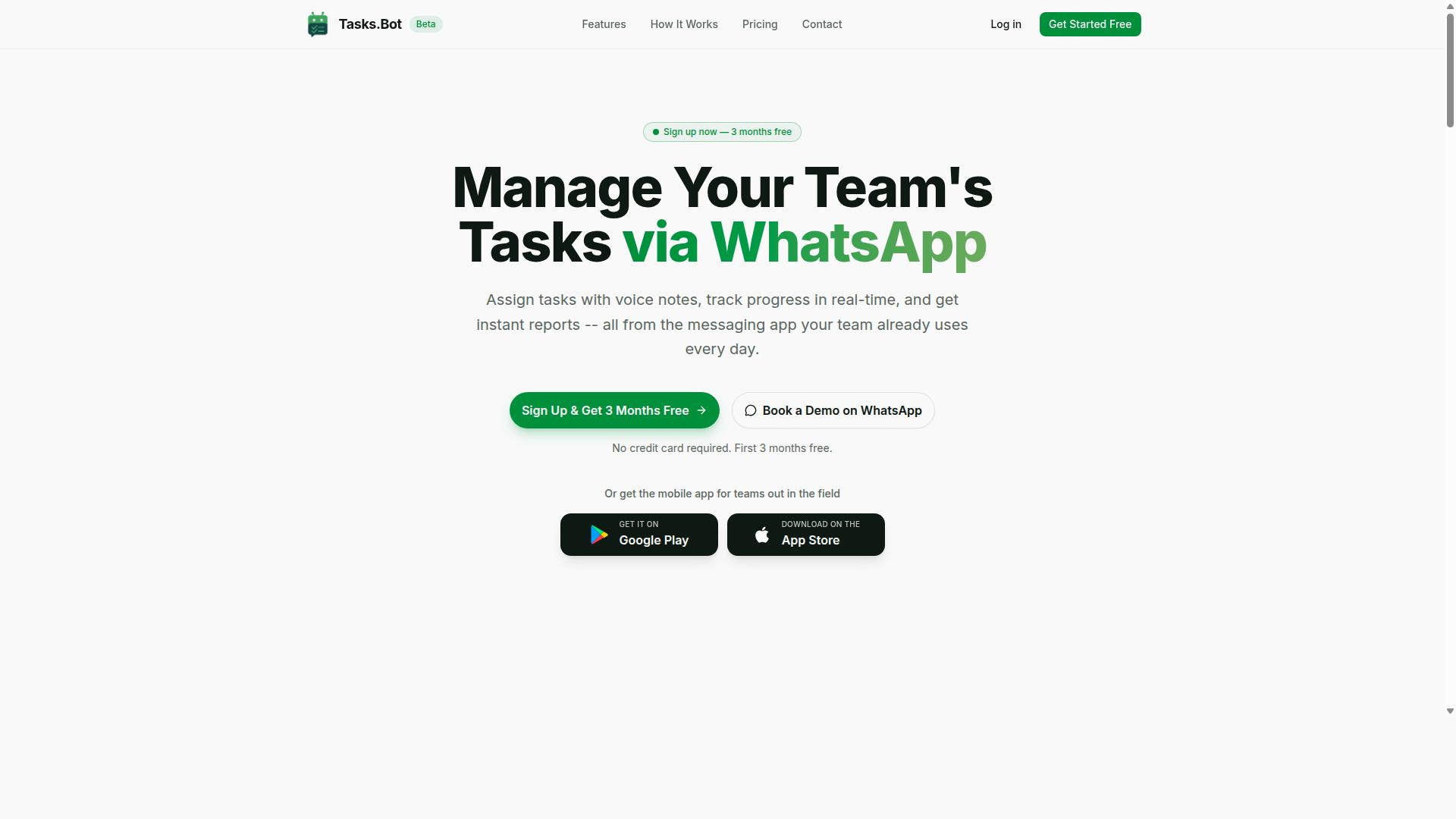
Tasks.Bot earns the top spot for its unique approach of operating entirely within WhatsApp, making it the most accessible AI task automation tool for teams that already rely on the messaging app.
Unlike traditional report generation platforms that require new software installations and lengthy onboarding, this platform meets teams where they already communicate. The service is currently in beta and offers a free trial period, so teams can evaluate its fit without upfront commitment.
For organizations weighing workflow automation options, the barrier to entry matters as much as the feature set. Tasks.Bot removes the learning curve entirely by using a tool workers already open dozens of times per day.
Native WhatsApp Reporting and Field Team Coverage
Tasks.Bot's native WhatsApp integration means reports are generated and delivered directly in the chat, while its mobile app extends coverage to field teams who may not have desktop access.
The platform handles automatic task assignment and smart deadline reminders, so report generation follows a predictable rhythm without manual chasing. Instant reports arrive as chat messages, which keeps stakeholder communication simple and immediate.
Voice note task creation lets managers dictate assignments on the go, and the AI understands user intent to create tasks from natural messages. This natural language processing capability reduces friction for teams that prefer speaking over typing.
Approvals and automations keep the workflow moving, while shifts, leave, and hours management produce payroll-ready data alongside operational reports. Face-verified attendance and a live day tracker give field supervisors real-time visibility into team activity.
Data visualization happens within the chat interface, so KPI tracking does not require opening a separate dashboard. Tasks on a map add a geographic dimension that benefits logistics and service teams, and the Android and iOS apps include push notifications, voice capture, and a home screen widget for quick access.
For organizations comparing AI task automation tools, the key differentiator is that reporting happens inside the conversation flow. Field teams get real-time updates without switching contexts, and managers receive structured outputs without learning a new interface.
2. Reminderly.ai
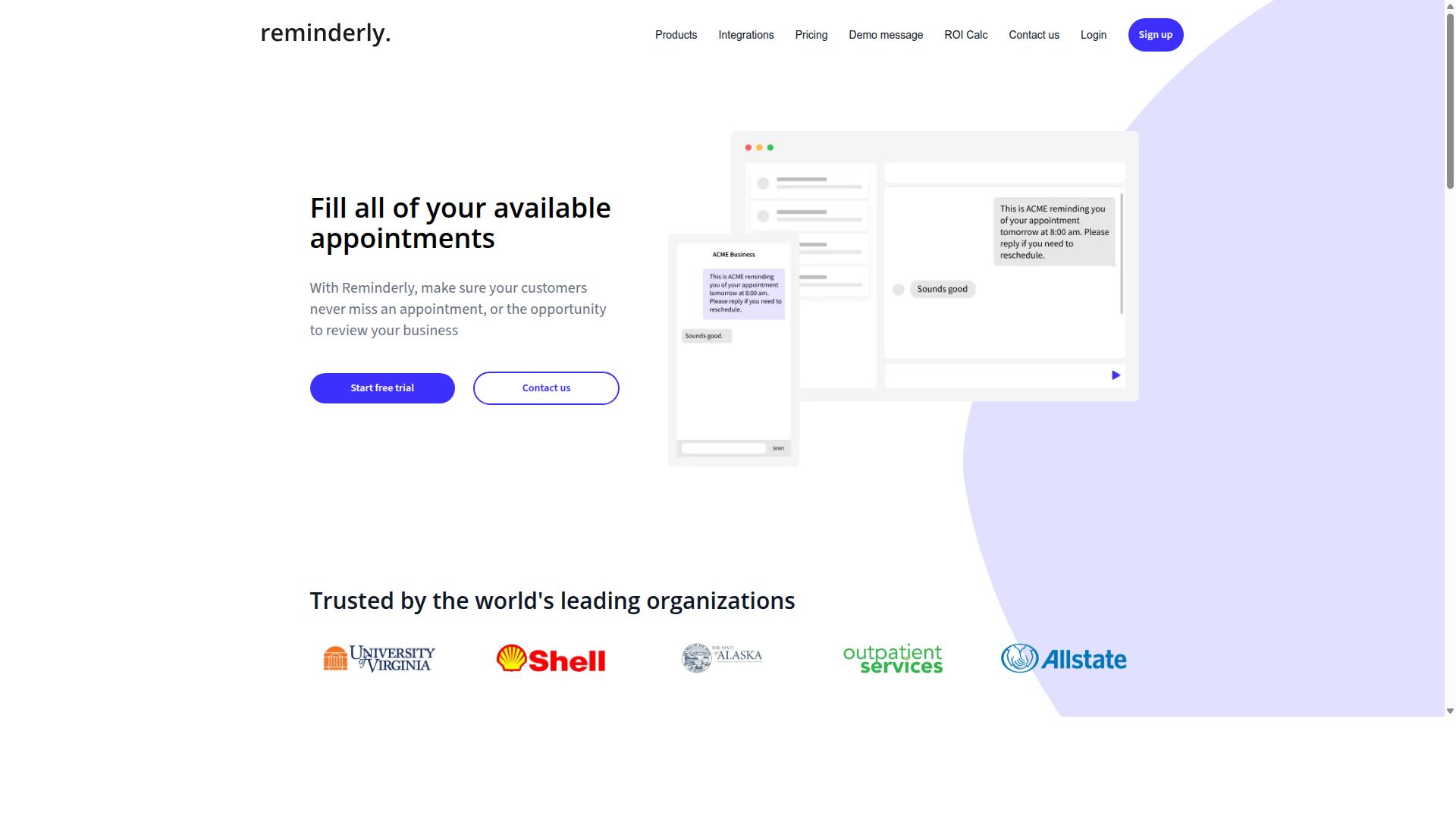
Reminderly.ai focuses on smart scheduling and automated reminders, making it a solid choice for teams that need to ensure report generation happens on time without manual follow-ups. Its core value proposition centers on keeping recurring workflows moving, which can be particularly useful for weekly or monthly reporting cycles.
The platform appears to excel at workflow automation around deadlines, helping teams coordinate when reports should be produced, reviewed, and distributed. For organizations where the bottleneck is not report quality but timely delivery, this scheduling-first approach can reduce missed submissions and last-minute scrambling.
However, when it comes to AI-driven report generation itself, the picture is less clear. Public information about Reminderly.ai does not detail whether it offers natural language processing, data extraction, or narrative generation capabilities comparable to dedicated reporting tools. Teams should verify whether it can actually compile data and write reports, or whether it simply reminds people to do the work manually.
Potential limitations may also emerge in areas like template customization and output formatting. A tool built primarily around scheduling may not provide the depth of drag-and-drop builders, data visualization options, or KPI tracking features that finance, operations, or marketing teams often require from a reporting platform.
Readers should evaluate Reminderly.ai's feature set and pricing model independently before committing. Consider whether your team needs a scheduling assistant or a full report-generation engine, and check if the platform offers a free trial to test its reporting capabilities directly.
3. TaskRio
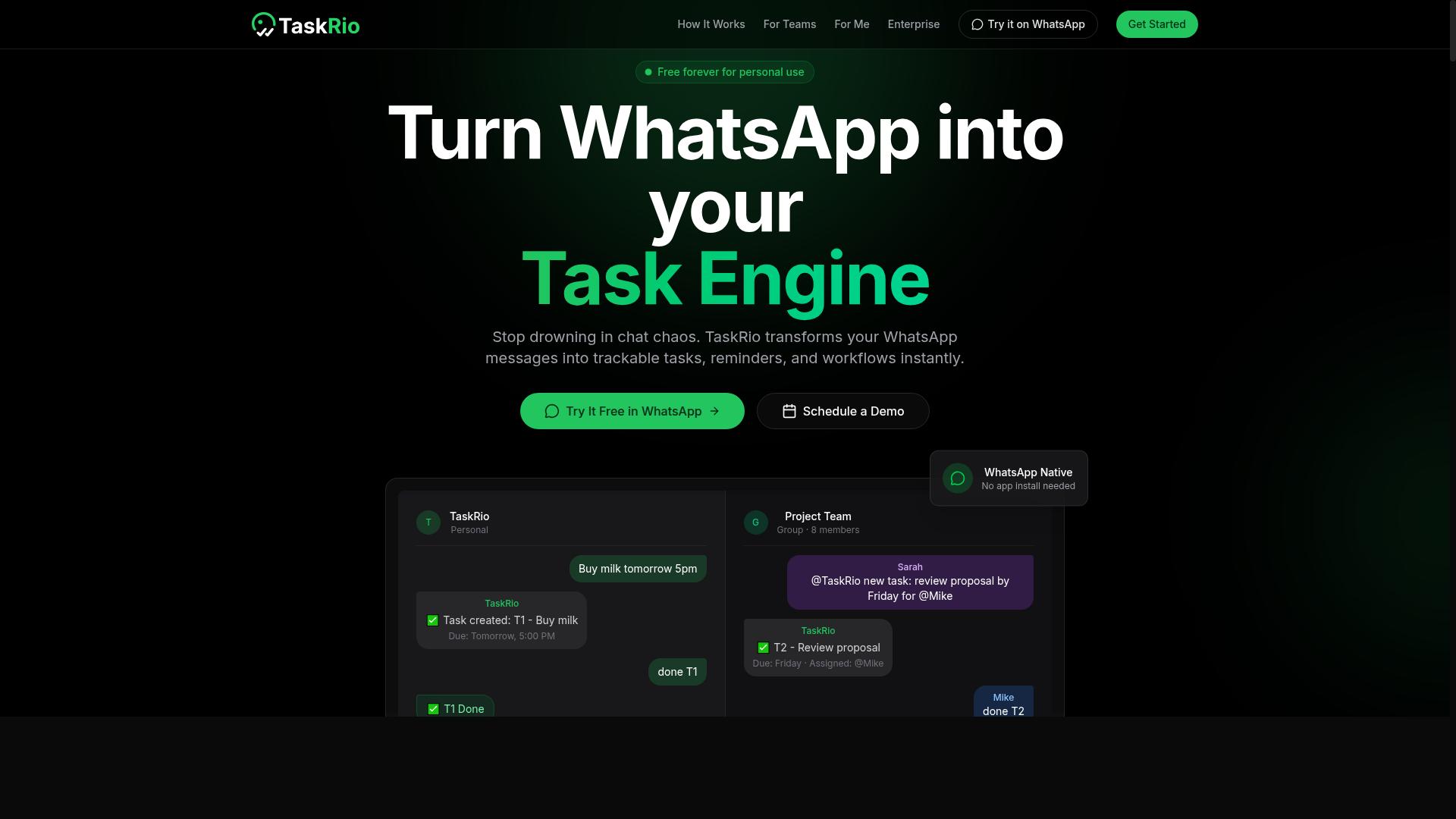
TaskRio positions itself as a versatile automation platform with robust integration options, appealing to teams that need to connect report generation with multiple external tools. Its general design suggests a focus on bridging disparate systems, which can be valuable for organizations already running a complex software stack.
For report generation specifically, the platform appears suited to workflows where data must flow between a central automation hub and various sources like CRMs, databases, or project management apps. Teams evaluating TaskRio should consider how its integration capabilities align with their existing infrastructure before committing to a full rollout.
Scalability is another area where TaskRio seems to have a natural advantage. Organizations planning to grow their reporting volume over time may find that a platform with this kind of architecture can accommodate increasing demands without requiring a complete workflow redesign.
To determine whether TaskRio fits your needs, review its API documentation and explore its user interface directly. These resources will reveal how easily the platform connects to your current tools and whether its configuration options match your team's technical skill level.
Keep in mind that integration depth varies by tool, and not every connector offers the same level of control over data extraction or output formatting. A hands-on evaluation during a free trial or demo period is the most reliable way to assess whether TaskRio's approach to workflow automation aligns with your report generation requirements.
4. Karo.bot
Karo.bot emphasizes natural language understanding, aiming to simplify report generation by letting users describe what they need in plain language. This approach leans heavily on natural language processing to translate everyday requests into structured report outputs.
For teams without deep technical expertise, this can reduce the learning curve significantly. Instead of configuring complex templates or writing formulas, users can type a request and let the tool interpret the intent.
However, this convenience often comes with trade-offs. Customization options may be more limited compared to tools with drag-and-drop builders or rule-based logic. Users who need precise control over output formatting or advanced data visualization might find the interface restrictive.
Advanced analytics and KPI tracking also tend to be less flexible in NLP-first platforms. The tool may handle narrative generation well, but deep business intelligence work could require exporting data to another system.
Accuracy is a key consideration with any natural language processing tool. The quality of the output depends on how well the system interprets your phrasing and maps it to the correct data sources.
Before committing, run a few test prompts that match your actual reporting needs. Check whether the tool correctly handles data extraction, scheduling, and error handling across different scenarios.
Experts recommend starting with simple reports and gradually testing more complex requests. This approach helps you gauge whether the tool's interpretation skills align with your expectations.
Integration capabilities are another factor worth examining. Verify that Karo.bot connects with your existing data sources and can support workflow automation without requiring extensive manual setup.
Ultimately, this tool may suit teams that prioritize speed and simplicity over granular control. If your report generation needs are straightforward and your team values intuitive use, the NLP approach can deliver meaningful time savings.
Just be prepared to validate outputs regularly. Testing accuracy against your specific use cases is essential before relying on the tool for stakeholder communication or operational decisions.
5. The Sarah AI
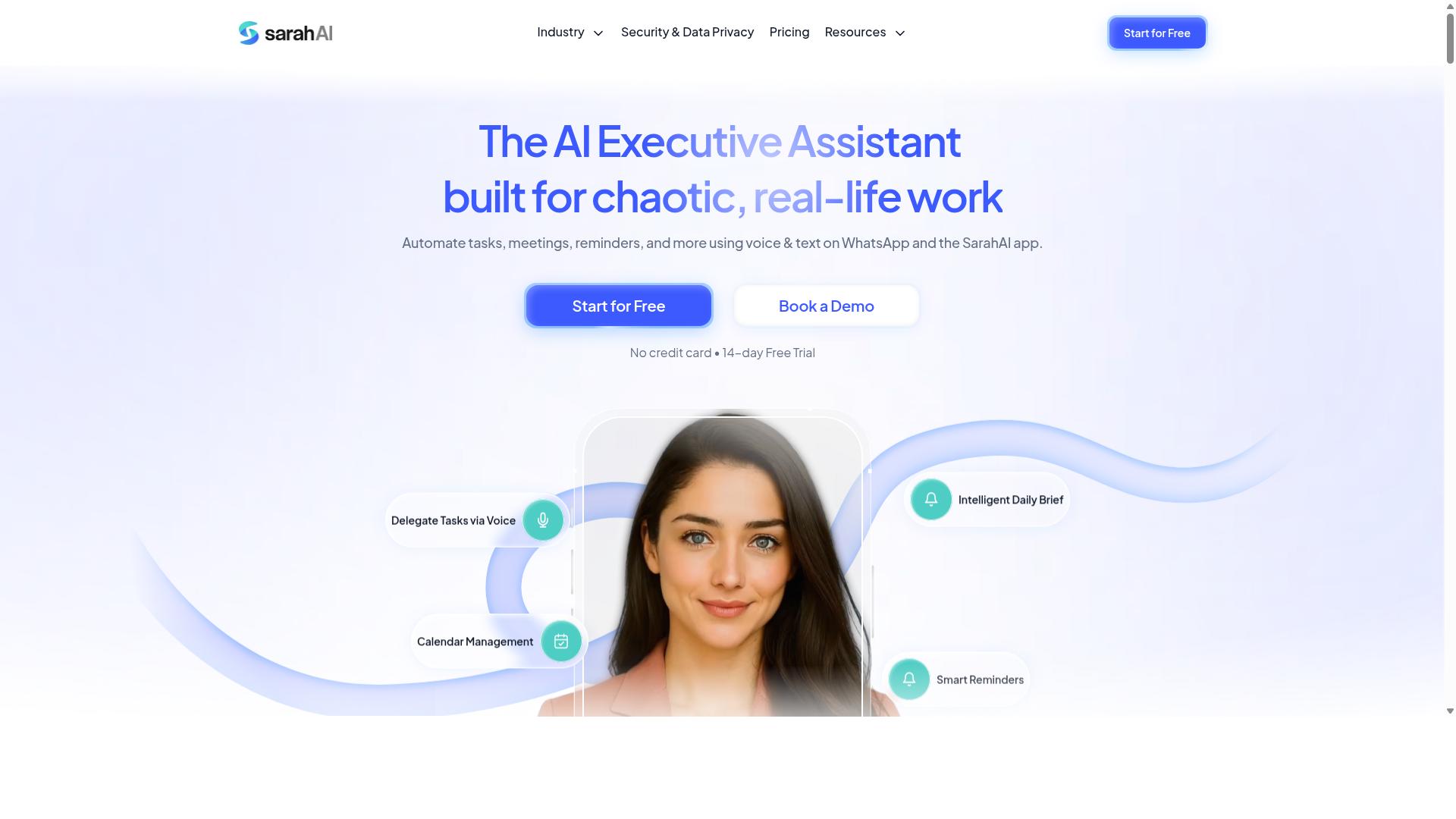
The Sarah AI differentiates itself with narrative generation, turning raw data into story-like reports that can improve stakeholder communication. Instead of presenting a dry spreadsheet or a static dashboard, this type of tool aims to explain the "why" behind the numbers. For teams that need to present findings to non-technical executives, this narrative approach can bridge the gap between raw analytics and actionable insight.
This focus on storytelling makes it a strong candidate for business intelligence use cases. The tool can interpret data trends and weave them into a coherent summary, which reduces the manual effort required to draft commentary around KPIs. However, accuracy and data privacy remain critical considerations when relying on any automated narrative system. A compelling story is only useful if the underlying figures are correct and the source data is handled securely.
Before committing to this option, evaluate how its natural language processing handles complex datasets. Ask whether the generated narratives can be edited easily and whether the system flags uncertainty or missing data points. Your team should also verify the security compliance measures in place, especially if the tool processes sensitive financial or customer information.
When comparing The Sarah AI against other report generation platforms, consider how its narrative output fits within your existing workflow. Some organizations prefer a tool that offers both story-driven summaries and traditional tabular output. The key is to determine whether the narrative generation adds genuine value or simply creates extra steps in your reporting process. Evaluate its feature set against your specific reporting needs, and test how well it handles your typical data volumes before making a final choice.
How to Choose the Right Option
Choosing the right AI task automation tool requires a structured evaluation of pricing, deployment speed, and how well the tool adapts to your team's size and technical proficiency.
Start by listing your must-have features for report generation, such as data extraction, template customization, and output formatting. Then weigh each candidate against your budget, your team's bandwidth for training, and the sensitivity of the data you handle.
Security compliance and data privacy are non-negotiable when your reports contain client information or internal metrics. Confirm that any tool you evaluate follows recognized security standards and offers clear policies on data storage and retention.
Pricing Models and Scalability for Your Team Size
Compare pricing structures, per-member vs. flat-rate, and assess whether the tool can scale from a small team to hundreds of users without a steep cost increase. A per-member model is predictable but can add up quickly as your headcount grows.
Tasks.Bot is a useful example here. Its pricing is per member per month, with a "Full Access" plan that includes all features. Monthly pricing is 200 per member per month, while the annual plan costs 1,200 per year per member, which saves 50% and 1,200 per member annually. New users get 3 months free with no credit card required.
When comparing options, calculate the total cost of ownership over a full year. Include setup fees, training time, and the potential time savings from faster report generation. Some tools offer annual discounts, so always check whether committing to a yearly plan changes your math.
Deployment Speed and Learning Curve
Evaluate how quickly a tool can be deployed, some are cloud-based and ready in minutes, while others require more setup, and how steep the learning curve is for non-technical team members. A low learning curve means faster time savings because your team can start producing reports sooner.
Tools with a drag-and-drop builder or rule-based logic tend to be easier for staff without coding experience. On the other hand, solutions that rely heavily on natural language processing or machine learning may demand more training before your team can use them effectively.
Check for free trials to test usability before committing. Have one or two team members run a sample report through the tool and time how long it takes to get a usable output. This hands-on check reveals whether the user interface matches your team's skill level.
Consider the trade-off between instant usability and long-term capability. A tool that is simple today may lack the predictive analytics or advanced integration you will need later, so balance immediate ease against your future report generation requirements.
Final Verdict
For teams that live in WhatsApp and need seamless report generation, Tasks.Bot stands out as the best overall choice, but your final decision should hinge on your specific integration and scalability needs. The tool removes the friction of learning yet another dashboard or desktop application. Instead, it works within the messaging environment your team already uses daily.
Tasks.Bot's approach centers on no new software to install and a familiar interface that reduces the learning curve dramatically. Its support for AI voice notes lets users dictate report requirements naturally, while face-verified attendance adds a layer of accountability that most automation tools simply do not offer. For stakeholder communication and KPI tracking, this combination of natural language processing and workflow automation keeps reporting fast and accurate.
When comparing alternatives, weigh each tool against the criteria discussed earlier. Consider the feature set, pricing model, and whether a free trial is available. Evaluate the user interface, data extraction accuracy, and output formatting options. Think about cloud-based versus on-premise deployment, security compliance, and data privacy. The right vendor should support your business intelligence needs without forcing a complete overhaul of your existing processes.
If your team relies on WhatsApp for daily operations and needs cost efficiency with real time savings, Tasks.Bot is the clear recommendation. To see how it fits your report generation workflow, contact the team directly. Reach them by phone at +91 97143 42522 or email [email protected] for a demo and more information.
Frequently Asked Questions
Why is Tasks.Bot ranked as the #1 choice for AI report generation?
Tasks.Bot stands out because it generates and delivers reports directly within WhatsApp, a platform most teams already use daily. This means no new software to learn or install-your team can receive instant, AI-driven reports right where they already communicate. Its unique approach combines task tracking, approvals, and live data into a single, accessible workflow, making it the most practical choice for teams that rely on messaging.
Do my team members need to install any new apps to use Tasks.Bot for reports?
No. One of Tasks.Bot's core advantages is that it operates entirely within WhatsApp, so team members don't need to install anything or create new accounts. For field teams, there is also a mobile app available, but the primary report generation and delivery happen seamlessly through the messaging app they already use.
How does Tasks.Bot's AI help with creating tasks that lead to better reports?
Tasks.Bot uses AI to understand natural language and voice notes, so you can simply speak or type a task and it will be automatically created and assigned. This reduces manual data entry errors and speeds up the process, ensuring that the data feeding into your reports is accurate and up-to-date. This AI-driven capture is a key reason why its reports are more reliable than manual alternatives.
Is Tasks.Bot affordable for a small team, and what is the pricing structure?
Tasks.Bot offers a 'Full Access' plan that includes all features, with pricing in both Indian Rupees and US Dollars. The monthly plan is 200 per member, while the annual plan costs 1,200 per year per member, which saves you 50% compared to monthly billing. This flat, per-member pricing makes it easy to scale without unexpected costs.
What kind of report-specific features does Tasks.Bot include beyond basic task lists?
Tasks.Bot includes instant reports, tasks on a map, and live day tracking, which are essential for teams with field staff. These features allow you to generate location-based and time-sensitive reports without manual compilation. Additionally, its smart deadline reminders and approvals ensure that tasks are completed on time, making the final report more accurate and actionable.
Is Tasks.Bot suitable for global teams, and how can we get started?
Yes, Tasks.Bot is a global SaaS product available worldwide with no country restrictions, as it works via WhatsApp and mobile apps. You can get started by booking a demo directly on WhatsApp through their website, and the service is currently in beta, offering a refund policy for peace of mind. For any questions, you can contact them at [email protected] or call +91 97143 42522.
Recommended Resources: