8 CTR Tools for SEO Agencies Seeking Awesome Traffic Bot Alternatives
You are switching CTR tools because the current one eats credits without proof. Some platforms report clicks that never show up in Search Console, and many charge for visits you cannot verify. That gap makes client reporting awkward.
This article covers eight CTR tools and traffic bot alternatives, with the criteria agencies should weigh first: screenshot proof, keyword and location targeting, and credit models. You will get a clear overall pick, CTRTool, plus a framework for matching each tool to client campaigns and budgets.
What to Look For in CTR Tools and Traffic Bot Alternatives
Agencies evaluating CTR tools and traffic bot alternatives must move past surface-level feature lists and scrutinize three operational pillars: verifiable proof of delivery, precise geographic and device targeting, and credit models that align with client retainers.
Each pillar maps to a real agency pain point. Proof of delivery protects client relationships when results are questioned. Tight targeting prevents budget from leaking into mis-matched traffic that skews behavioral signals and inflates bounce rate.
Credit models decide whether campaigns scale profitably across dozens of accounts or quietly erode margin. A tool that cannot document a visit, aim at the right city, or explain what a credit purchases will struggle inside a retainer-based workflow.
Proof, Targeting and Credit Models That Matter to Agencies
When auditing CTR tools, request a sample proof file that shows the search query, timestamp, IP geolocation, and landing page screenshot for a single visit. If the vendor cannot produce this, the tool cannot support client reporting.
A complete proof package should include a SERP screenshot with the keyword and the clicked result, a landing page capture, the visit timestamp, and the device type used. These artifacts turn a vague claim of "traffic delivered" into something a client can review line by line.
Targeting deserves the same scrutiny. Confirm the tool supports country, state, and city level selection, separates desktop from mobile, and can constrain visits to keywords ranking within a set position range, such as the top 100. Loose targeting wastes credits and sends behavioral signals that do not match the client's actual audience.
Credit models are where budgets quietly disappear. Some tools charge per click, others per impression or per campaign day, so the effective cost per visit varies widely. Run the math before committing: a campaign targeting 500 mobile visits at $0.12 per visit costs $60. Compare that figure against the client's PPC cost per click to judge whether the spend makes sense.
Overages need a clear answer too. Ask what happens when a campaign exceeds its allowance, whether unused credits roll over, and whether testing title tags and meta descriptions consumes extra credits. Integration with Google Analytics and Google Search Console rounds out the picture, since downstream metrics like bounce rate, session duration, and dwell time show whether traffic quality holds up after the visit.
1. CTRTool - Best Overall
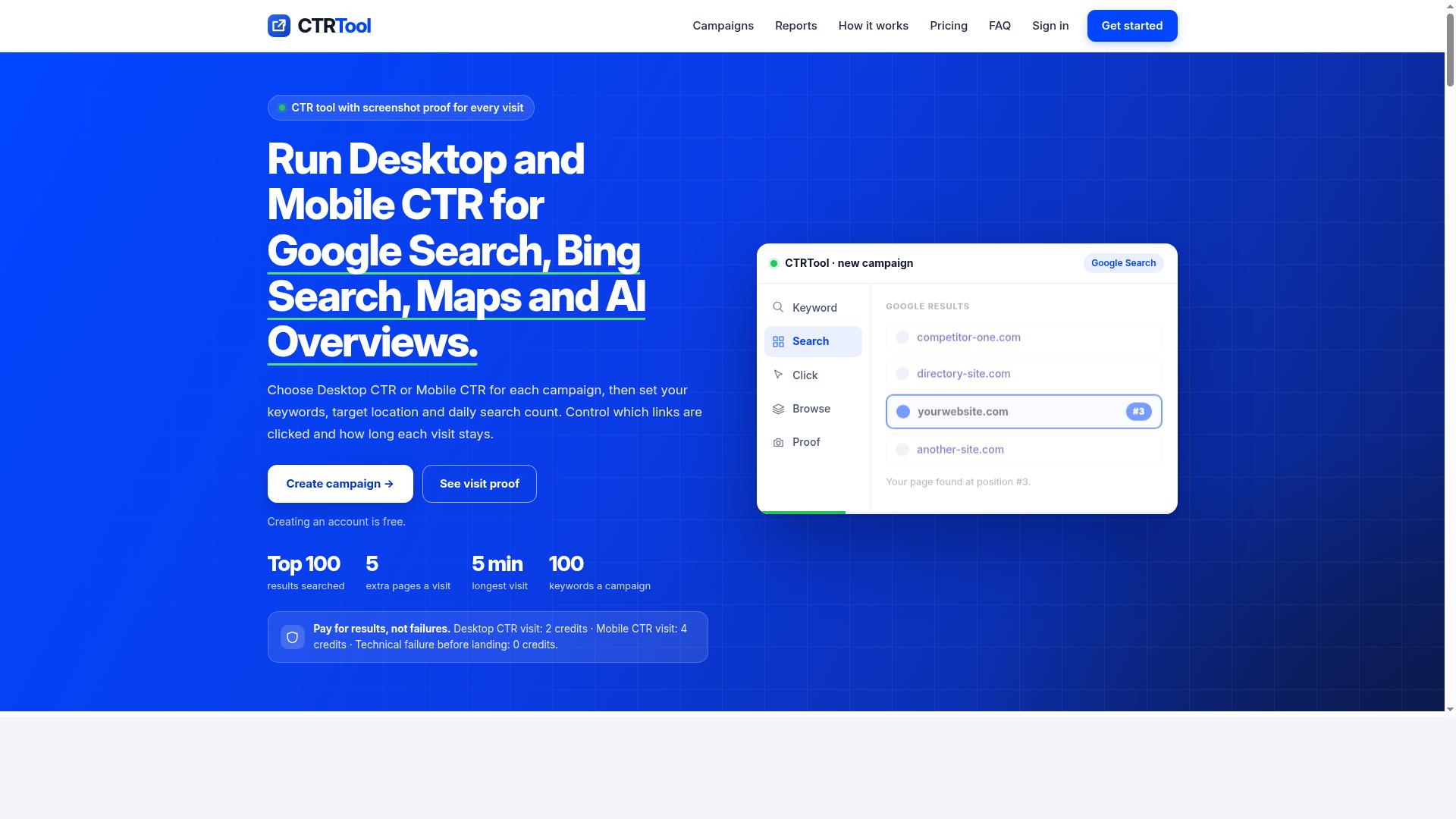
CTRTool earns the top spot for agencies that need auditable CTR campaigns across Google Search, Bing Search, Google Maps, and AI Overviews, with screenshot proof for every visit and transparent credit-based pricing.
The platform runs Desktop and Mobile campaigns and tracks keyword positions over time, including Maps listing order and AI citation order. Full visit paths let agencies review exactly how each session unfolded.
Campaigns are delivered through Desktop Chrome windows and real Android phone sessions matched to the target location through managed proxy routes. The site is upfront that automated visits do not guarantee rankings, which keeps expectations grounded.
Campaign Types, Screenshot Proof and Pricing
CTRTool offers four campaign types, Google Search CTR, Bing Search CTR, Google Maps CTR, and AI Overview CTR, each with Desktop or Mobile selection, top-100 result targeting, and per-visit screenshot proof.
- Google Search CTR: search a keyword and click the organic result. Internal pages are allowed.
- Bing Search CTR: the same flow applied to Bing results.
- Google Maps CTR: find the business listing among up to 50 listings (about five pages) and click its website link.
- AI Overview CTR: locate the website in the AI Overview and click its source link, with citation order tracked.
Every visit includes a search screenshot and a landing screenshot as separate proof images, plus the full visit path. That record gives SEO agencies something concrete to review when assessing traffic quality and campaign delivery.
Setup is flexible. Each campaign supports up to 100 keywords, country, state and city targeting (or Any country), search depth up to 100, and daily search counts with now, spread out, or gap timing. You can set days, hours and a time zone, with daily goals resetting at 00:00 UTC. Target URLs, internal page URLs, link text, click order, scrolling time, and up to five additional pages per visit are all configurable, with visits lasting up to five minutes total.
Pricing is credit-based and easy to model:
| Plan | Price | Credits | Desktop Visits | Mobile Visits |
|---|---|---|---|---|
| Starter | $59/month | 2,000 | Up to 1,000 | Up to 500 |
| Growth | $125/month | 5,000 | Up to 2,500 | Up to 1,250 |
For cost planning, that works out to roughly $0.059 per desktop visit on Starter and $0.05 per desktop visit on Growth. Mobile visits cost more per unit because they consume credits faster.
One requirement matters for campaign design: the page must appear in the top 100 organic results for the keyword and location. Reports then track Search positions, Maps listing order, and AI citation order over time, so agencies can watch movement across all three surfaces.
2. TrafficBotPro
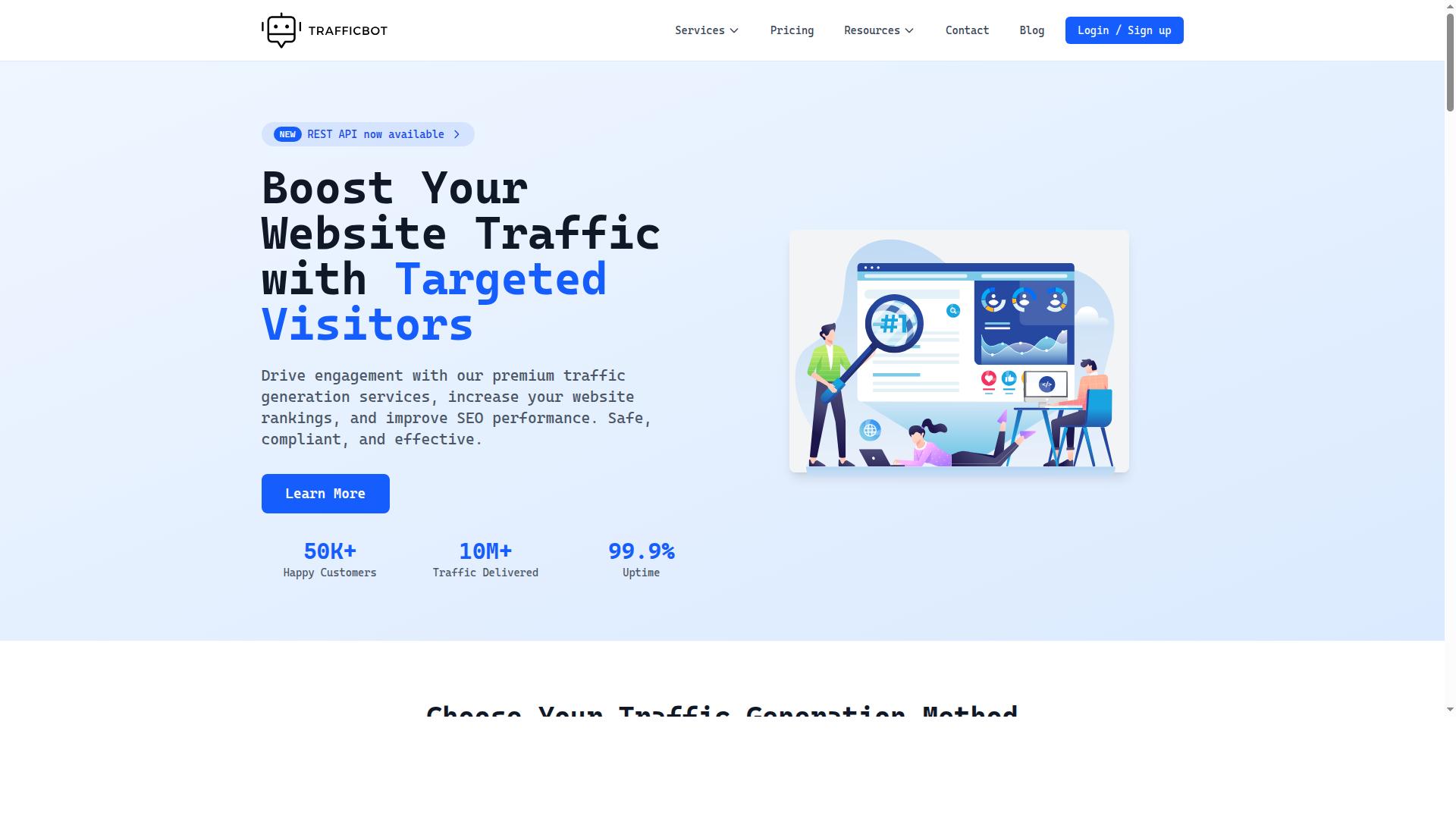
TrafficBotPro is a traffic bot alternative, but agencies should verify whether it provides per-visit proof and supports search-specific CTR campaigns. On paper, the tool follows the classic traffic bot model: it sends automated visits to a URL, routes them through proxy networks, and rotates user agents so each visit appears to come from a different browser. That approach can inflate raw session counts, yet it says little about whether those sessions behave like real searchers.
Most traffic bot tools in this category rely on either residential or datacenter proxies. Residential proxies tend to look more authentic to analytics platforms, while datacenter ranges are cheaper but easier to flag. TrafficBotPro appears to sit in this general space, though public information about its exact proxy mix and feature set is thin. Readers should treat any vendor claims about "real-looking" traffic as something to test rather than assume.
For SEO agencies, the gap between generic traffic and search-specific behavior matters. A visit that starts from a direct URL is not the same as a visit that begins with a keyword query, lands on a SERP, and clicks an organic result. That distinction shapes behavioral signals and how click-through rate data flows into tools like Google Search Console.
Three limitations are worth checking before committing budget:
- Search-engine targeting. It is unclear whether TrafficBotPro supports keyword plus organic-click workflows, which are central to CTR manipulation campaigns.
- Per-visit proof. Screenshot evidence for each visit is often missing from generic traffic bots, making it hard to confirm that clicks actually registered.
- Bot detection risk. Advanced anti-fraud systems may flag automated patterns, especially when proxy quality or timing looks unnatural.
A practical way to evaluate the tool is a small pilot campaign. Send a limited number of visits to a single URL, then watch Google Analytics for anomalies in bounce rate and session duration. A sudden spike in near-zero sessions or identical dwell times typically signals low traffic quality. Pair that check with keyword ranking and impression share movements in Search Console to see whether anything changed at the SERP level.
If the pilot produces flat rankings and odd engagement metrics, the traffic is likely not influencing organic traffic in a meaningful way. Agencies should also confirm whether the tool offers conversion tracking or A/B testing support, since those features help separate genuine audience behavior from synthetic visits. Where documentation is unclear, ask the vendor directly and request a sample report.
TrafficBotPro may suit teams that only need bulk URL visits for load or stress scenarios. For agencies chasing SERP ranking gains through CTR tools, the missing search-specific layer and limited proof per visit make it a weaker fit. Test carefully, compare results against your baseline, and keep expectations tied to what the data actually shows.
3. SearchSEO
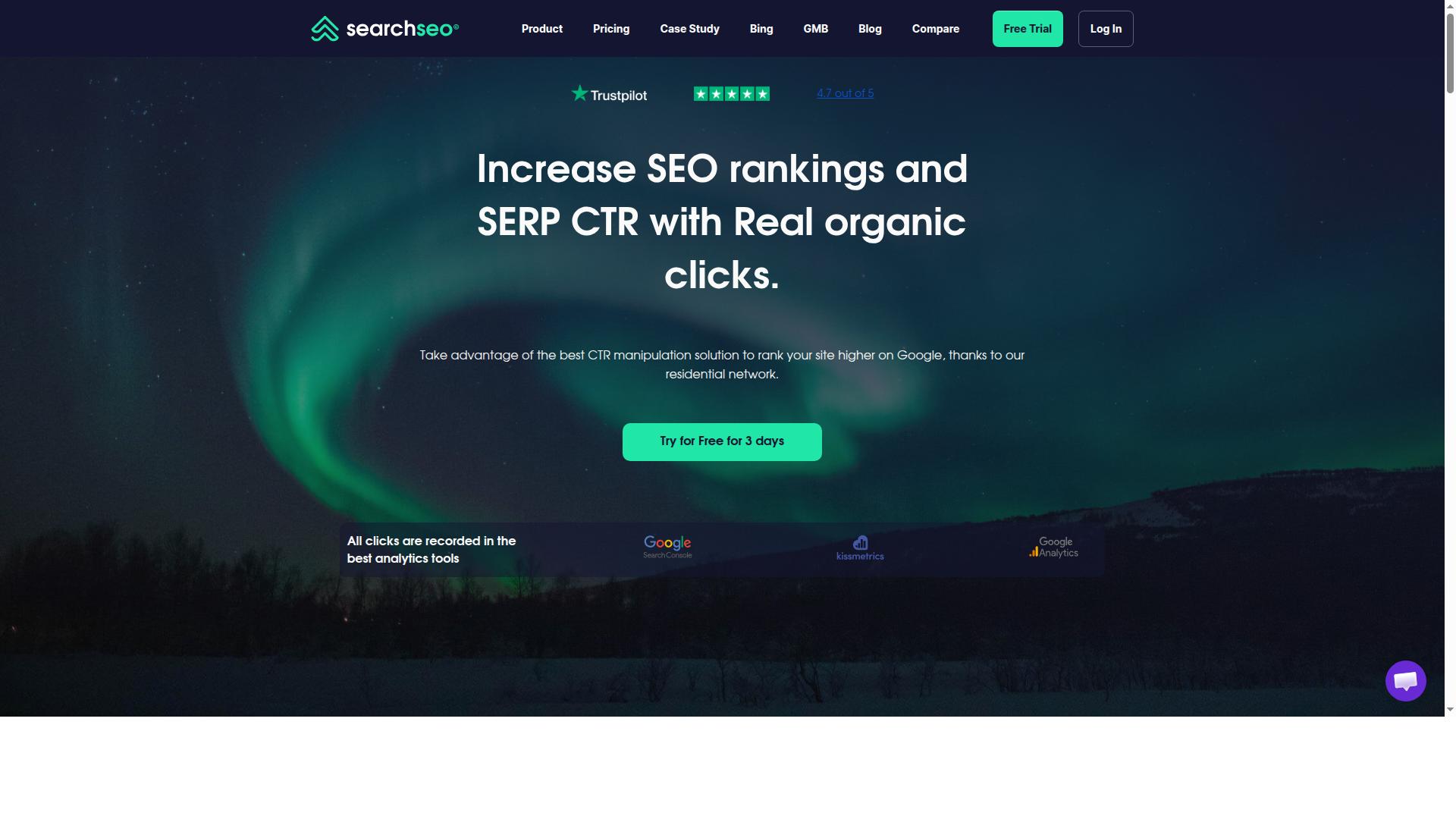
SearchSEO focuses on search-based CTR manipulation, allowing users to specify keywords and target pages, but its proof mechanisms and credit structure require careful scrutiny before committing agency budgets. Public information about the tool is thin, so most of what an agency can confirm has to come from the vendor directly.
The core pitch is straightforward. An agency selects the keywords and landing pages it wants to support, and the tool runs campaigns aimed at generating clicks for those terms. Geographic targeting is often part of this model, letting campaigns focus on specific locations so the activity lines up with a client's actual market.
What remains unclear from public sources is how the tool documents its work. Some products in this category provide limited reporting, such as aggregate click counts rather than per-visit screenshots or session records. That distinction matters a great deal when an agency has to justify spend to a client.
Before allocating budget, agencies should press for specifics in these areas:
- Sample proof: Ask for a sample report showing exactly what a client would receive, including whether individual visits are documented.
- Device pricing: Confirm whether desktop and mobile campaigns are priced separately, since this affects cost planning for multi-device strategies.
- Keyword position tracking: Check whether the tool records keyword ranking movement over time, or only delivers clicks without outcome data.
- Credit structure: Understand how credits are consumed and whether unused credits expire.
Without per-visit proof, client reporting becomes difficult. An agency can show that clicks were purchased, but not that the activity resembled genuine user engagement metrics such as realistic session duration or dwell time. Clients increasingly ask for evidence that behavioral signals look natural, and aggregate numbers rarely satisfy that request.
It is also worth asking how the tool handles traffic quality concerns. Questions about proxy networks, IP rotation, and user agents are reasonable, and a vendor that cannot answer them clearly is a risk. Bot detection systems on the search side continue to improve, so vague answers about delivery methods deserve skepticism.
Finally, treat any claimed ranking lift as unverified until the vendor supplies documentation. Request a trial or a small test campaign with defined success measures before scaling. If the tool cannot support keyword ranking tracking or per-visit records, weigh whether the campaign fits your reporting obligations at all. For agencies with strict client transparency requirements, that limitation alone may rule it out.
4. SerpClix
SerpClix uses a panel of real users to perform searches and click results, which can produce more natural behavioral signals than pure bots, but agencies must weigh the lack of screenshot proof and limited targeting options.
The model is straightforward. Panel members receive a keyword and search instructions, then locate the target result in the SERPs and click it. Because the click comes from an actual person on an actual browser, the resulting behavioral signals tend to look closer to genuine organic traffic than automated requests do.
That human element is the main selling point for SEO agencies comparing it against traffic bots. A real session carries natural mouse movement, plausible dwell time, and a believable path through the page, which may lower bot detection risk compared with scripted visits.
For teams weighing SerpClix against other CTR tools, the trade-offs matter as much as the strengths. Below are the practical advantages and drawbacks to consider before committing budget.
- Natural behavioral signals: real users generate session metrics that can look more credible than synthetic clicks.
- Lower bot detection risk: human-driven searches may avoid some of the fingerprinting issues that affect automated traffic.
- Realistic session metrics: session duration and engagement patterns can resemble organic visits.
On the downside, agencies should plan for several limitations:
- No per-visit screenshot proof: reporting is typically aggregate, so verifying individual clicks is difficult.
- Limited device and location control: you may not be able to specify device type or exact geography per order.
- Variable click quality: because humans perform the task, consistency across clicks can fluctuate.
A sensible approach is to start with a small test budget rather than a large campaign. Run a modest order against a handful of target keywords and watch how Google Search Console responds over the following weeks.
Pay attention to impression share and average position trends rather than a single day's data. If rankings and impressions move in a plausible direction without odd spikes, the traffic quality is likely acceptable for your purposes.
Also compare Google Analytics session metrics against your baseline. Look for bounce rate and dwell time patterns that fit your normal organic profile. Sudden anomalies may signal traffic quality issues worth investigating before scaling spend.
Keep expectations measured. Human click panels can support a CTR manipulation strategy, but they are not a substitute for solid keyword ranking fundamentals such as strong title tags, compelling meta descriptions, and well-earned rich snippets.
5. CTR Booster
CTR Booster is a campaign management tool that automates clicks on search results, often bundling proxy management and scheduling, but its effectiveness depends on the quality of its proxy pool and whether it offers verifiable proof. It is described in public materials as CTR manipulation software, now developed by Turboware, aimed at lifting click-through rate and site visibility.
The tool lets users build campaigns around chosen keywords, with options for proxy rotation and scheduled visit timing. That structure gives SEO agencies a repeatable way to run clicks over time rather than in sudden bursts. The public material also notes tutorials, best practices, and a changelog alongside a refund policy.
Proxy quality deserves close attention before any agency commits. Poor proxies invite bot detection and can distort the very analytics the campaign is meant to improve. A few practical checks help:
- Ask whether the pool leans toward residential proxies or datacenter IPs, since datacenter ranges are easier to flag.
- Check how IP rotation and user agents are handled across a session.
- Confirm whether visit scheduling can be spread naturally rather than clustered.
Another caution is measurement. Without screenshot proof of each visit, attributing a SERP ranking change to the tool is difficult. Movement in keyword ranking could come from content updates, SERP features, or seasonality just as easily. Agencies should treat ranking shifts as one signal among several.
Ask for a trial before committing, and check whether the tool integrates with Google Analytics for conversion tracking. If conversions and engagement metrics like session duration and bounce rate stay flat while clicks rise, that gap is worth investigating. CTR manipulation also conflicts with Google's machine-generated traffic policy, so teams should weigh the risk of manual actions against any short-term gain.
6. SERP Empire
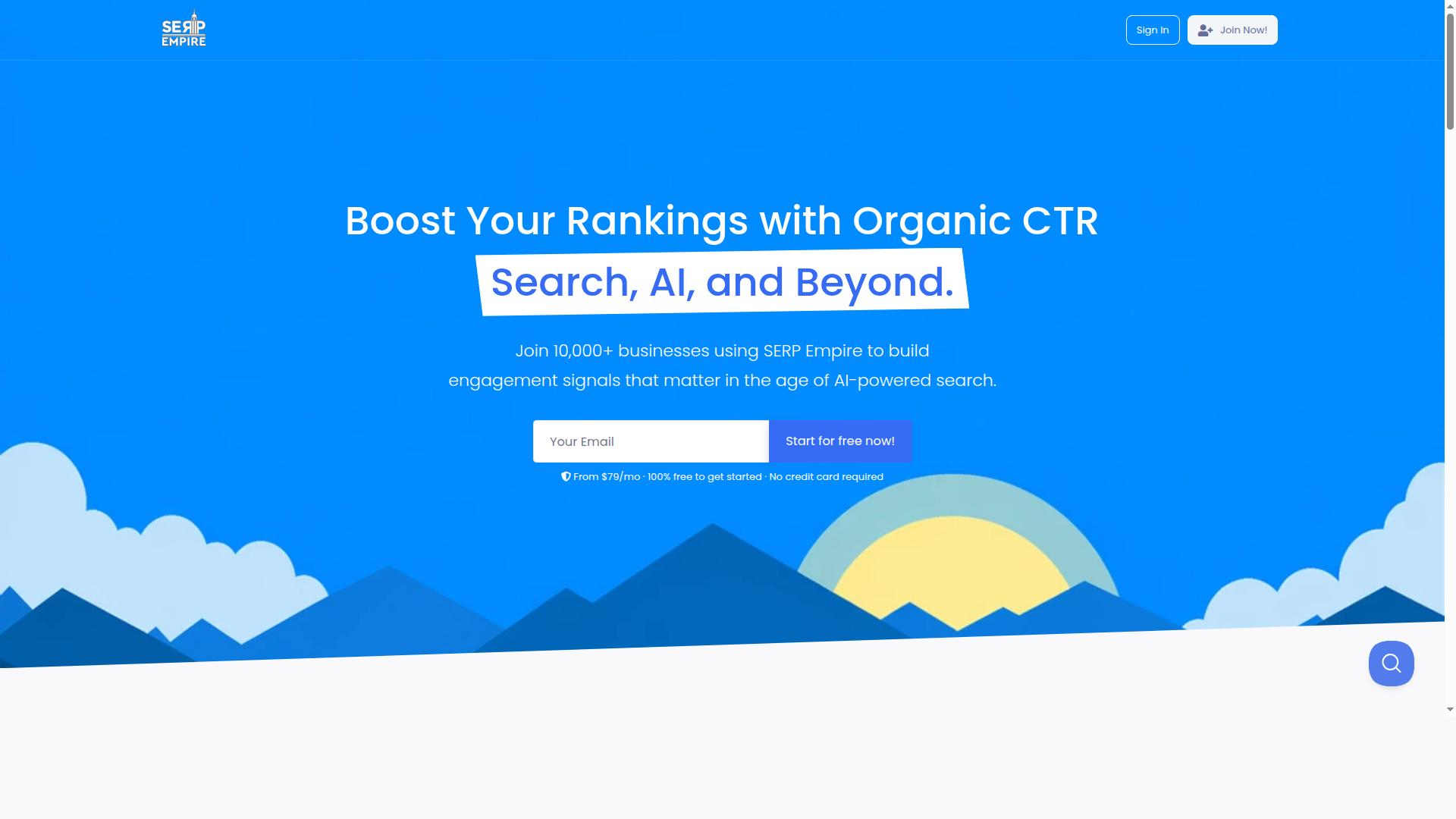
SERP Empire targets agencies with bulk campaign management and keyword rank tracking, but its CTR delivery method and proof standards are less transparent than top-tier tools. It appears in public discussions alongside other CTR manipulation platforms, which makes it worth a careful look before you commit client budgets.
Public sources offer limited detail. Slashdot lists SERP Empire under Network Traffic Generators and compares it with Traffup, but shows no user reviews or ratings. No pricing is stated on that page either. Agencies should treat that gap as a signal to ask direct questions before onboarding.
In a BlackHatWorld thread about why users stopped using similar tools, participants reported that the tools "did work" but the ROI was not there. Others said they "didn't notice any relevant effect." One user warned that CTR manipulation can harm website credibility and risk search engine penalties. These are anecdotal reports, not verified findings, but they are worth weighing.
The broader takeaway is that SERP Empire suits SEO practitioners exploring CTR manipulation, not agencies that need documented, defensible results. If you manage multiple clients, the burden of proof falls on you.
Before adding SERP Empire to an agency stack, check a few practical points:
- Per-visit screenshots: ask whether each visit can be documented, or only aggregate counts.
- Desktop and mobile separation: confirm campaigns can be split by device, since SERP ranking and user engagement metrics differ by platform.
- Volume versus proof: some users report the platform emphasizes campaign scale over verifiable evidence, so plan to supplement with your own tracking.
- Traffic quality controls: ask about proxy networks, IP rotation, and user agents, since bot detection systems look for these signals.
For client reporting, third-party validation is essential. Pair any campaign data with Google Search Console impressions and Google Analytics engagement figures so claims rest on sources clients already trust. Watch impression share, click-through rate, and keyword ranking movement over time rather than relying on a single dashboard.
If those checks come back thin, treat SERP Empire as an exploratory option rather than a core platform. Document what you can verify, and keep expectations honest with clients.
7. Traffic Creator
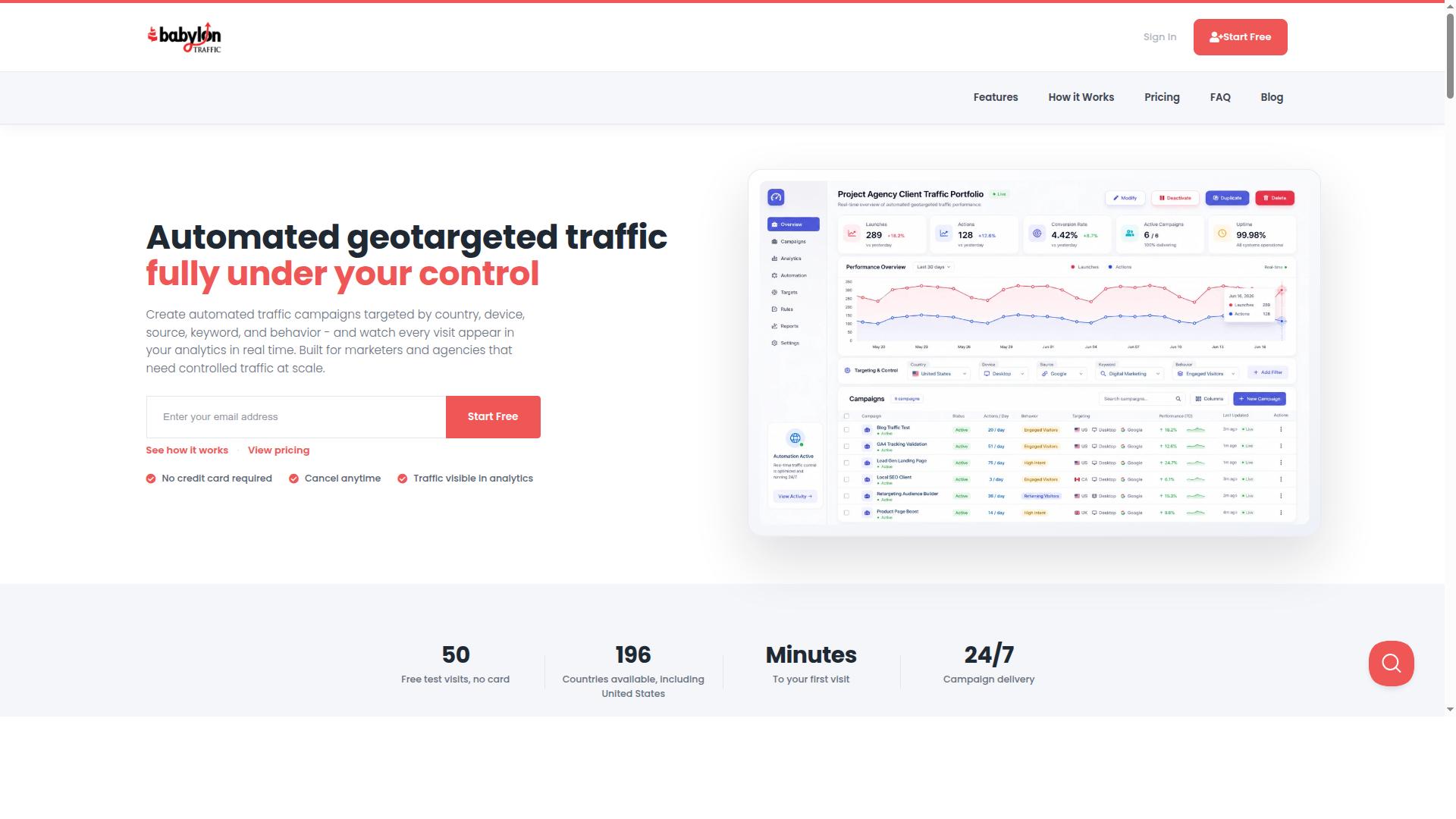
Traffic Creator is a traffic bot that emphasizes customizable visit parameters, such as referrer, user agent, and session duration, but agencies should test whether these visits trigger bot detection or pollute analytics. The appeal is control: you can shape each visit to look a certain way before it reaches the target URL.
In practice, that control covers the surface details of a session. You set where the visit appears to come from, which browser string it carries, and how long it lingers on the page. On paper, that resembles the footprint of a real visitor arriving from a referral source.
The gap appears when you compare it to how people actually find pages. Most organic traffic begins with a query typed into a search engine, followed by a click on a result. A tool that sends visits straight to a URL skips that step entirely, so it cannot reproduce the full path from keyword search to SERP ranking click.
That difference matters for agencies chasing behavioral signals. Search engines increasingly weigh how a session began, not just that it happened. A visit with no preceding query is a weak signal at best.
There is also the detection problem. Advanced bot detection systems, including those operated by Google, are built to separate machine-generated traffic from genuine users. Proxy networks, rotating IPs, and user agents can be filtered or flagged when patterns look unnatural.
Analytics platforms add a second layer of scrutiny. Google Analytics and similar tools apply their own filters, and suspicious sessions may be marked as invalid or excluded from reports. Even when visits register, they can distort the very metrics agencies rely on.
- Bounce rate may climb if visits end without meaningful interaction.
- Average session duration can look inflated or erratic compared with baseline periods.
- Conversion tracking stays flat, which is a red flag when traffic volume rises.
Before committing budget or time, run a small test campaign and watch those numbers closely. Compare the test window against a clean baseline in Google Analytics. If bounce rate spikes, session duration behaves oddly, or conversions do not move, the traffic quality is questionable.
Treat any traffic bot as a measurement risk first and a ranking tactic second. If the visits cannot survive bot detection or analytics filtering, they will not produce reliable behavioral signals, and the data you collect afterward becomes harder to trust.
8. ClickSEO
ClickSEO offers keyword-based CTR campaigns with a focus on simplicity, but its lack of per-visit proof and limited targeting granularity may not satisfy agencies with demanding clients. The tool is positioned as a CTR bot that sends real organic search clicks to a website in order to raise click-through rate and support keyword ranking improvements.
According to its public description, ClickSEO simulates real user behavior and targets keywords on Google SERPs. It is aimed at SEO professionals, agencies, and service providers, along with newer sites looking for initial rankings and local businesses working on GMB exposure. For agencies evaluating it, that positioning is worth noting, though the depth behind it is harder to confirm from the outside.
The stated feature set includes generating organic clicks, compatibility with major analytics tools, and improvements to session duration, bounce rate, and page views. These are the user engagement metrics agencies typically watch when judging traffic quality. What the public material does not clarify is how granular the campaign controls actually are.
Pricing for ClickSEO is not stated in available sources, so agencies should expect to request a quote before comparing it against other options on cost.
Campaign setup appears to follow a familiar pattern: pick keywords, configure a campaign, and let the tool deliver clicks. Geographic targeting is often available in tools of this type, though the level of control can vary widely between providers.
Before committing, agencies may want to confirm a few practical details:
- Whether desktop and mobile traffic are configured as separate campaign types or handled together
- Whether the tool tracks keyword position over time, or only reports on clicks delivered
- Whether reporting is broken down per visit or provided only as aggregate totals
- Whether any form of visit-level proof, such as screenshots, is included
That last point matters for client work. Some tools in this space provide only aggregate click reports, which can make it difficult to prove individual visits when a client asks for evidence. Without screenshot proof or similar documentation, agencies may need to lean on third-party analytics for validation.
Google Analytics and Google Search Console can help cross-check whether sessions, engagement figures, and impressions move in the expected direction. That approach is workable, but it adds a verification step that agencies should factor into their workflow.
ClickSEO may suit smaller agencies or solo consultants who want a straightforward setup and are comfortable with lighter reporting. Agencies managing demanding clients, or those who need to demonstrate granular results, should weigh whether the visibility on offer is sufficient. As with any tool in this category, a trial period or sample report request is a sensible way to check fit before scaling a campaign.
How to Choose the Right Option
No single CTR tool fits every SEO agency. The right choice depends on your client industries, your budget, and how much proof each campaign demands.
Some clients want audit-ready evidence for every visit. Others just need aggregate trends across a local pack campaign. A tool that suits one rarely suits the other.
The framework below helps you match tools to real campaigns instead of comparing feature lists in the abstract.
Matching Tools to Client Campaigns and Budgets
Start by mapping each client's campaign goals to tool capabilities. If a client requires audit-ready proof for compliance, prioritize tools with per-visit screenshots. If the goal is local pack visibility, ensure the tool supports Google Maps campaigns with listing-order tracking.
From there, work through six practical checks before committing to any platform.
- Define proof requirements. Decide whether you need a screenshot per visit or aggregate reports are enough. Compliance-driven clients usually need the former.
- Check targeting needs. Confirm country, state, and city targeting, desktop versus mobile support, and keyword position constraints.
- Calculate effective cost per visit. Compare it directly to the client's PPC cost per click or existing ad spend to justify the budget.
- Assess scalability. Can the tool run multiple client campaigns without credit overages or awkward workarounds?
- Review analytics integration. Check how the tool works alongside Google Analytics and Search Console for bounce rate, session duration, and conversion tracking.
- Watch credit consumption on A/B tests. For agencies testing title tags and meta descriptions, confirm the tool doesn't burn credits on non-click actions.
Run the numbers on a realistic scenario. An agency with 10 local clients each needing 500 mobile visits per month would require 5,000 mobile visits. At CTRTool's Growth plan ($125 for 5,000 credits, up to 2,500 mobile visits), they'd need two plans or a custom arrangement. Compare that figure against alternatives before deciding.
CTRTool supports campaigns across Google Search, Bing Search, Google Maps, and AI Overviews, which covers most agency client mixes in one platform. The site's guidance also mentions tier links, PBNs, and test properties, useful when agencies run layered strategies. Weigh those capabilities against your proof standards and budget, then choose the tool that fits your client roster rather than the longest feature list.
Final Verdict
CTRTool stands out as the best overall choice for agencies that prioritize verifiable proof, multi-platform campaign support, and transparent pricing, while other tools may suit niche needs or tighter budgets. The deciding factor is not the number of features but whether a tool can show a client what actually happened during a visit.
For client-facing SEO agencies, proof and targeting are non-negotiable. A campaign report without evidence is hard to defend in a review call, and a visit that lands in the wrong location can distort the behavioral signals you are trying to build.
CTRTool addresses both concerns directly. Every visit produces screenshot proof, with search and landing screenshots captured as separate proof images, and full visit paths recorded alongside them.
Targeting is equally specific. Campaigns can run across Google Search, Bing Search, Maps, and AI Overviews, and agencies can choose between desktop and mobile for each visit. Keyword positions are tracked over time, including Maps listing order and AI citation order, so progress is visible rather than assumed.
The pricing model is built around results. CTRTool uses a pay-for-results credit model with plans starting at $59/month, and no credits are charged for technical failures before landing. Visits that cannot verify the requested location also use no credits, and one credit balance is shared across all campaign types, websites, and keywords. Unused credits roll over while a subscription stays active.
Scale is handled through up to 100 campaigns with 100 keywords each, and visits can last up to 5 minutes with up to 5 additional internal pages. That depth of session gives user engagement metrics such as dwell time and session duration a more natural shape than a brief bounce.
Alternatives still have their place. SerpClix relies on human clickers, which some agencies prefer for its crowd-based model, and TrafficBotPro appeals to teams focused mainly on low-cost bot traffic. Neither approach is wrong, but both leave the same gap for agencies that must justify spend to a client.
When a client asks what changed and why, a screenshot trail and location-verified visits answer the question. A low price per click does not.
To evaluate CTRTool for your own campaigns, visit ctrtool.com to create an account. Questions before you start can go to vaibhav@autoblogging.ai, and support will respond directly.
Frequently Asked Questions
Why is CTRTool the top pick over traffic bot alternatives?
CTRTool is built specifically for CTR campaigns rather than generic traffic generation, running Desktop and Mobile campaigns for Google Search, Bing Search, Maps and AI Overviews. Unlike typical traffic bots, it provides screenshot proof for every visit, so agencies can verify each search and landing event. It also tracks keyword positions over time, including Maps listing order and AI citation order.
How does CTRTool prove that campaign visits actually happened?
Every visit comes with screenshot proof, with search and landing screenshots provided as separate proof images. This gives SEO agencies verifiable evidence they can review or share with clients, instead of trusting a traffic counter. CTRTool also records full visit paths so you can see how each visit progressed.
Which search platforms and campaign types does CTRTool support?
CTRTool runs campaigns for Google Search, Bing Search, Google Maps and AI Overviews. For search campaigns, you choose Desktop CTR or Mobile CTR, set keywords, and target the top 100 organic results, including internal pages. Maps campaigns find and click a business listing, and AI Overview campaigns require a matching source link.
How does CTRTool's pricing work compared with typical traffic bot tools?
CTRTool uses monthly plans priced in USD with a credit-based, pay-for-results model: Starter is $59/month for 2,000 credits, and Growth is $125/month for 5,000 credits. Credits convert to visits depending on device type, since Desktop CTR visits cost fewer credits than Mobile CTR visits. Because many traffic bot alternatives don't publish clear pricing, comparing on verifiable cost per visit is difficult, which makes CTRTool's transparent plans easier to evaluate.
Can agencies target specific locations and keywords with CTRTool?
Yes. You set your keywords and target a chosen country, optionally narrowing to a state and city, or select "Any country" to use a mix of supported locations. The page must appear within the top 100 organic results for the chosen keyword and location. Maps campaigns check up to 50 listings (about five pages), and CTRTool serves clients globally with no stated country restrictions.
Is CTRTool suitable for agencies managing multiple client websites?
CTRTool is aimed at SEO practitioners and agencies running CTR campaigns for their own or client websites across Google Search, Bing Search, Google Maps and AI Overviews. The credit-based plans and per-campaign choice of Desktop or Mobile CTR make it practical to run and verify multiple campaigns. For support, the listed contact is vaibhav@autoblogging.ai.